Appstore Publishing
When an app is feature-complete and stable, the compiled .pbw file can be
uploaded to the Pebble appstore so that users can find and install it from the
Pebble mobile app. Listings are managed in the
Developer Dashboard. The pebble tool and
CloudPebble can also upload apps and new releases directly.
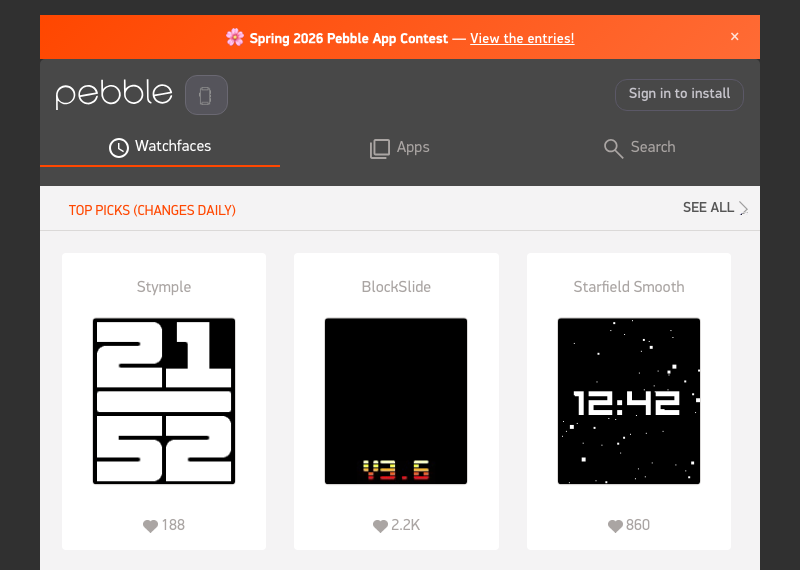
Published apps and watchfaces can be browsed at apps.repebble.com. Look at a few listings there to see how the icon, screenshots and description appear before preparing a submission.
To be listed in the Pebble appstore an app must:
Be built with a released SDK.
Use a UUID that is not already in use by another app in the appstore.
Have a title and a description, and a category if it is a watchapp.
Comply with the legal agreements.
Apps that were published in the Rebble appstore can be imported into the Developer Dashboard so that the same developer keeps managing them.
Contents
Preparing a Submission - What a Pebble appstore listing is made of, and the sizes and formats required for screenshots, icons and banners.
Publishing an App - How to submit an app and later releases from the Developer Dashboard, the
pebbletool or CloudPebble.Importing Apps from Rebble - How to bring apps published in the Rebble appstore into the Developer Dashboard and prove ownership of them.